The driver app is a web page: there's nothing to download from an app store.
Install it on your phone
Open demurly.com/driver in your phone's browser (Safari, Chrome or Samsung Internet), then add it to your home screen so it opens like an app:
- iPhone (Safari): tap the Share button, then Add to Home Screen.
- Android (Chrome): tap the ⋮ menu, then Install app or Add to Home screen.
Sign in
Your carrier gives you three things: the company's 8-digit company code, your driver number (for example DRV001) and a 6-digit PIN. Enter all three and tap Sign in. Your phone remembers the company code and driver number, so next time you only type your PIN. Tap Not you? Change company to clear them.
Forgot your PIN? Ask your dispatcher or office: they reset it and give you a new one. After several wrong PINs, sign-in is paused for a while; a PIN reset ends the pause.
Allow camera and location
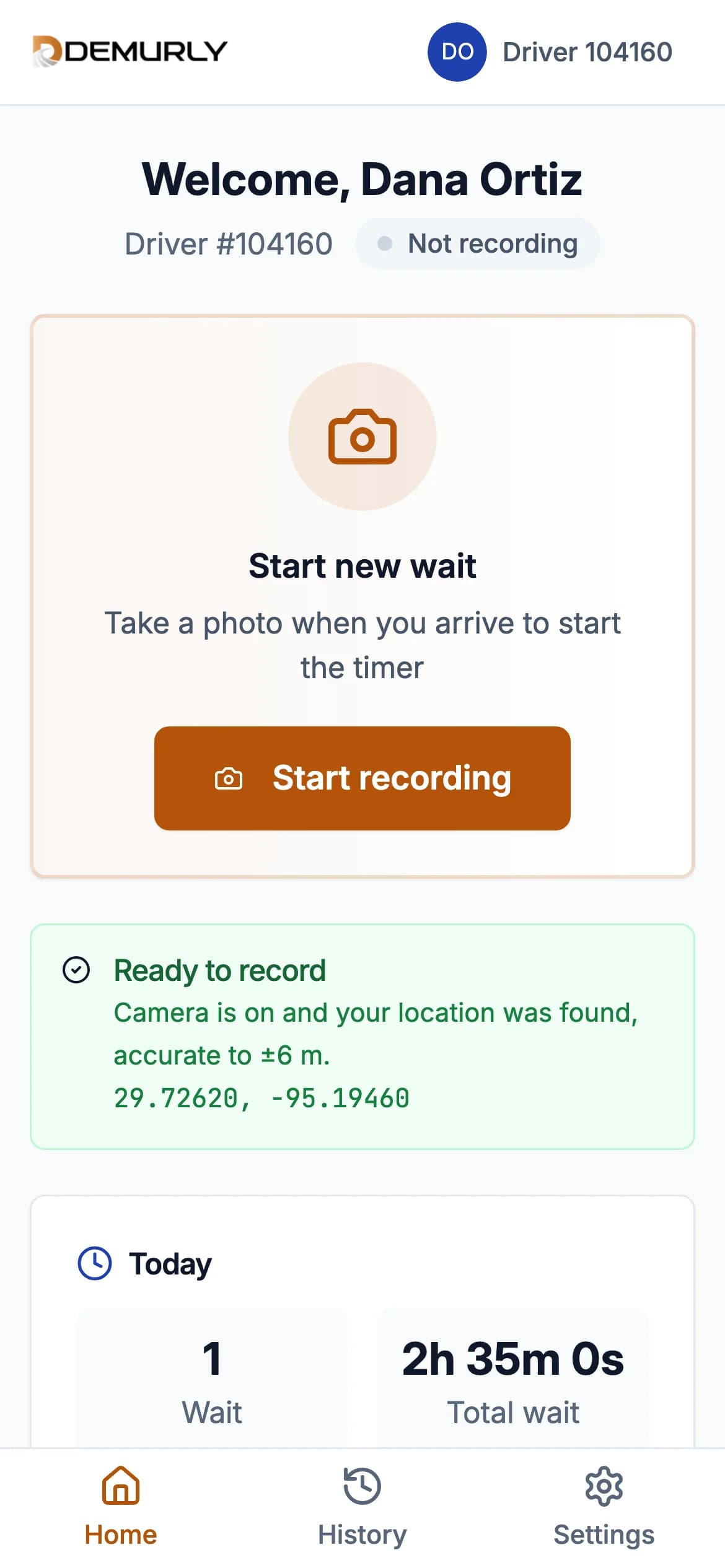
When your browser asks, allow the camera (for photos) and location (for GPS). Said no by mistake? The app shows how to turn them back on for your phone and browser; then tap Retry. Without location the app won't start a wait: a wait can't be recorded without GPS.
The screens
- Home: Start recording, today's totals (waits and total wait time) and Today's waits. All waits opens your full history.
- History: every wait, with tabs All, In progress, Approved and Not billed. Open a wait under Not billed to see why your carrier didn't bill it.
- Settings: your driver number and carrier, and Sign out.
Next: Record a wait.